 Voicecut
Remove background noise
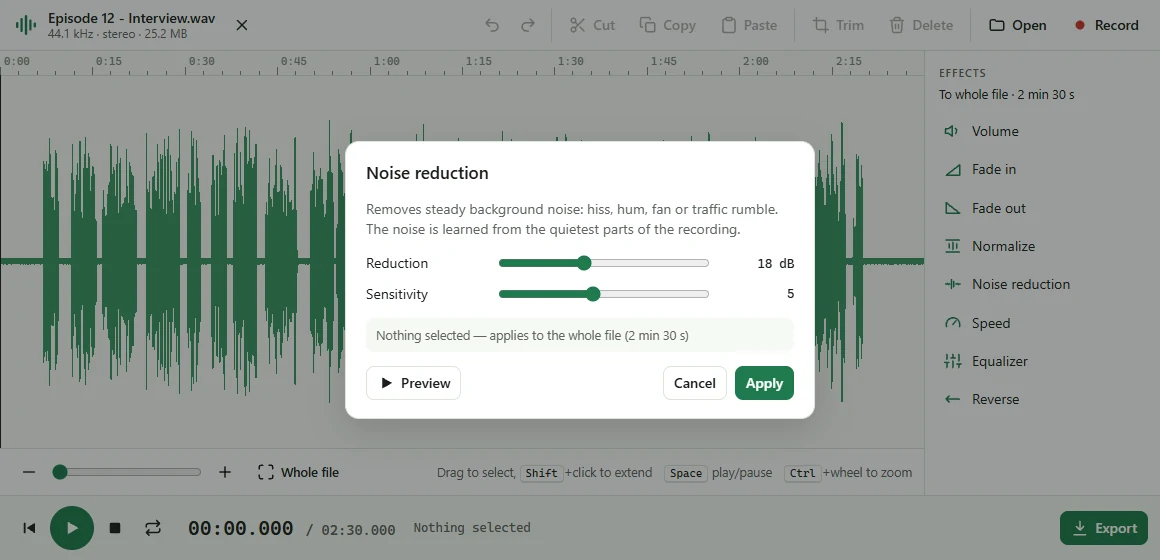
Hiss, hum, a fan or traffic: Voicecut learns the noise from the quietest parts of your recording and takes it out, leaving the voice clear. Plus an equalizer for a fuller or clearer voice.
Voicecut cuts, trims, cleans up and records audio right in Chrome — and never uploads a single file. Open an MP3, fix it, save it back. Even if it's three hours long.
Free. No account. No tracking. Works on Windows, Mac, Linux and Chromebook.
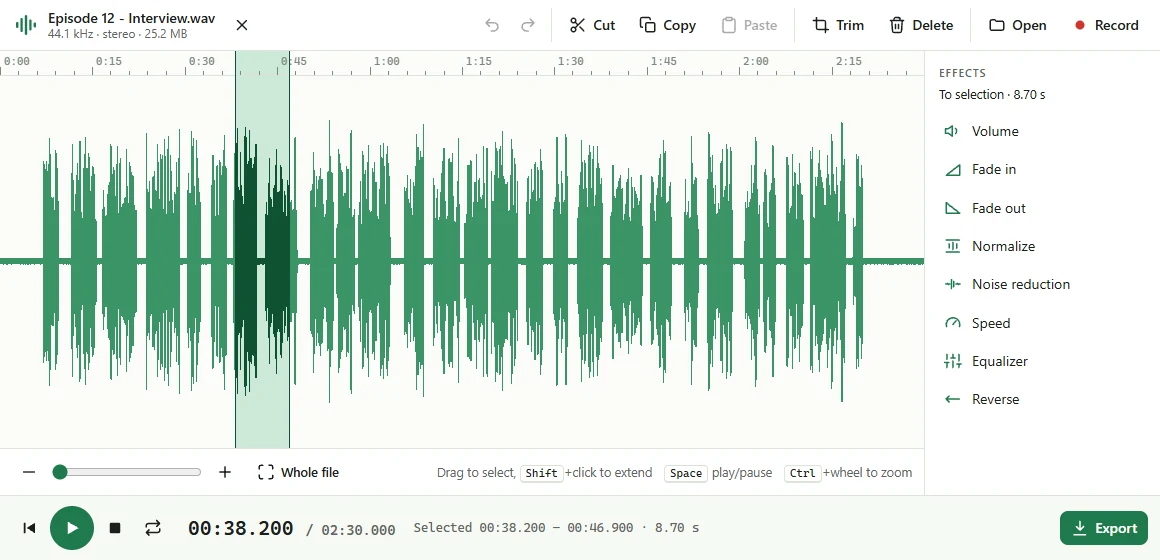
Select with the mouse, cut out mistakes, keep only the part you need. Undo anything with Ctrl+Z.
Smooth fade in and out, louder or quieter, and Normalize for quiet recordings.
Speed up a lecture or slow down a phrase: voices keep their pitch, no chipmunk effect.
Every effect can be heard before you apply it. Nothing is final until you export.
Hiss, hum, a fan or traffic: Voicecut learns the noise from the quietest parts of your recording and takes it out, leaving the voice clear. Plus an equalizer for a fuller or clearer voice.
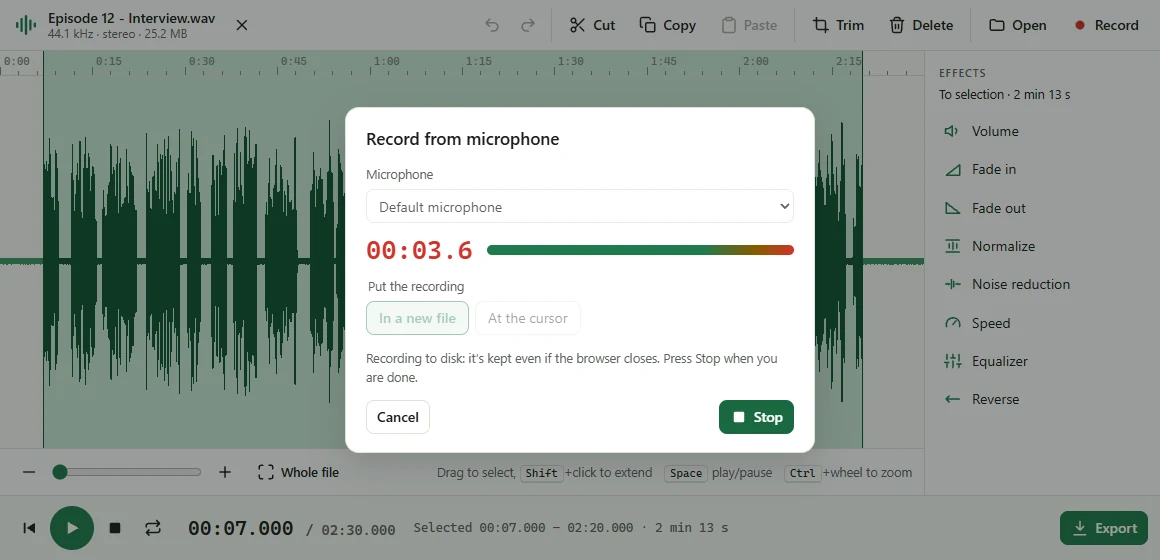
Record the microphone, or the audio of any browser tab — a call, a lecture, a stream — while you keep browsing. Recordings are written to disk as they happen, so they survive even if the browser closes.
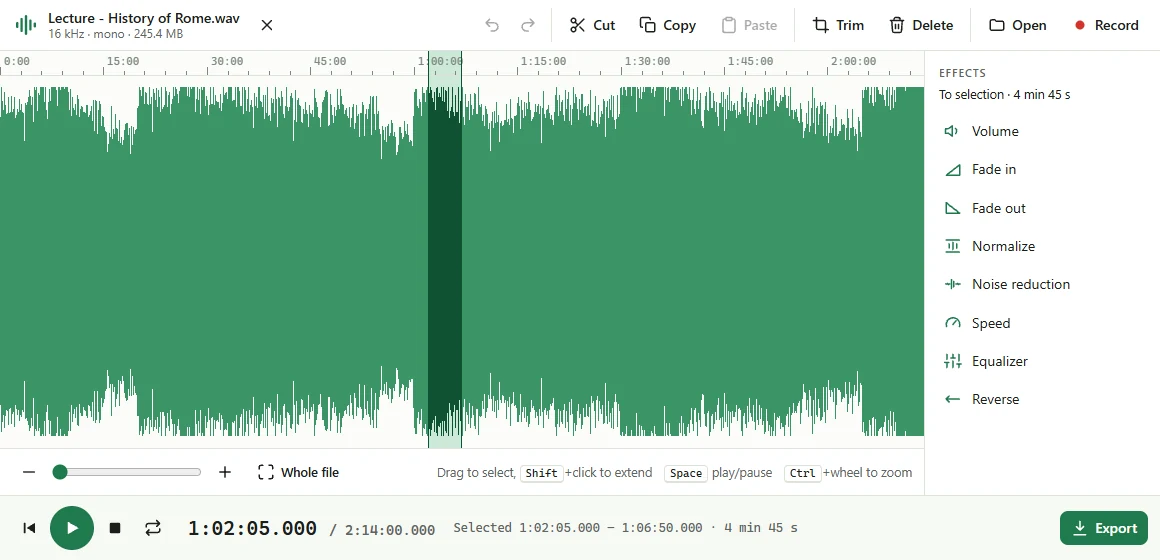
Voicecut keeps audio on your disk instead of in memory, so a three-hour lecture opens in seconds and edits as smoothly as a short clip.
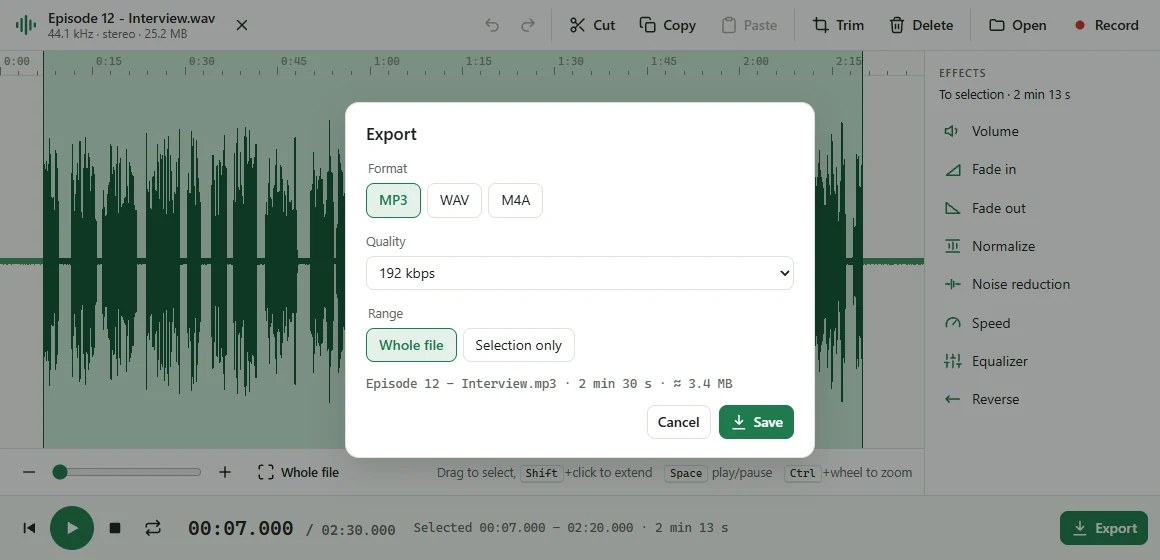
Export the whole file or just the selection, at the quality you choose. No upload, no waiting in a queue, no watermark.
Your audio is decoded, edited and encoded on your computer. It is never sent to any server.
The microphone and tab audio are used only after you press Record, and stop when you press Stop.
No sign-up, no analytics, no ads.
Prices in USD. Taxes may apply depending on your country. Payments are handled by Paddle, our reseller. 30-day money-back guarantee — see the refund policy.
Yes: editing, effects, recording and export are free. Pro adds extra tools — removing pauses now, voice isolation and transcription next. See pricing.
Only on your computer: the audio you are editing and your recordings are kept in the browser's private storage for Voicecut. Delete a recording from the Recent list to remove it.
Hours. Audio is kept on disk, not in memory, so the limit is free disk space: about 1.3 GB per hour of stereo while editing.
Yes. After it is installed, Voicecut needs no internet connection.
The audio in the screenshots is synthetic, generated for the demo.